FERS Supplement Calculator: How It Works in 2026
You're close enough to retirement to start asking practical questions: if you leave federal service before age 62, how much income might the FERS supplement provide, and is it worth factoring into your retirement date? An online calculator can offer a useful starting estimate, but the result only makes sense when you know which inputs drive it and which eligibility rules may change the outcome.
The calculation isn't based on your salary alone. It begins with an estimate of your Social Security benefit at age 62, then adjusts that estimate for your creditable FERS civilian service. The Office of Personnel Management's retirement information describes the underlying method and eligibility rules.
What a FERS Supplement Calculator Really Tells You
A FERS supplement calculator estimates a temporary retirement payment for eligible federal employees. The supplement reflects the Social Security benefit earned through federal civilian service. It isn't a separate lifetime pension, and it generally ends at age 62, even if you choose to delay claiming Social Security.
That makes it helpful to think of the supplement as a bridge payment. It may help cover income needs between retirement and age 62, but it doesn't replace your FERS pension, your Thrift Savings Plan savings, or Social Security benefits you may claim later.
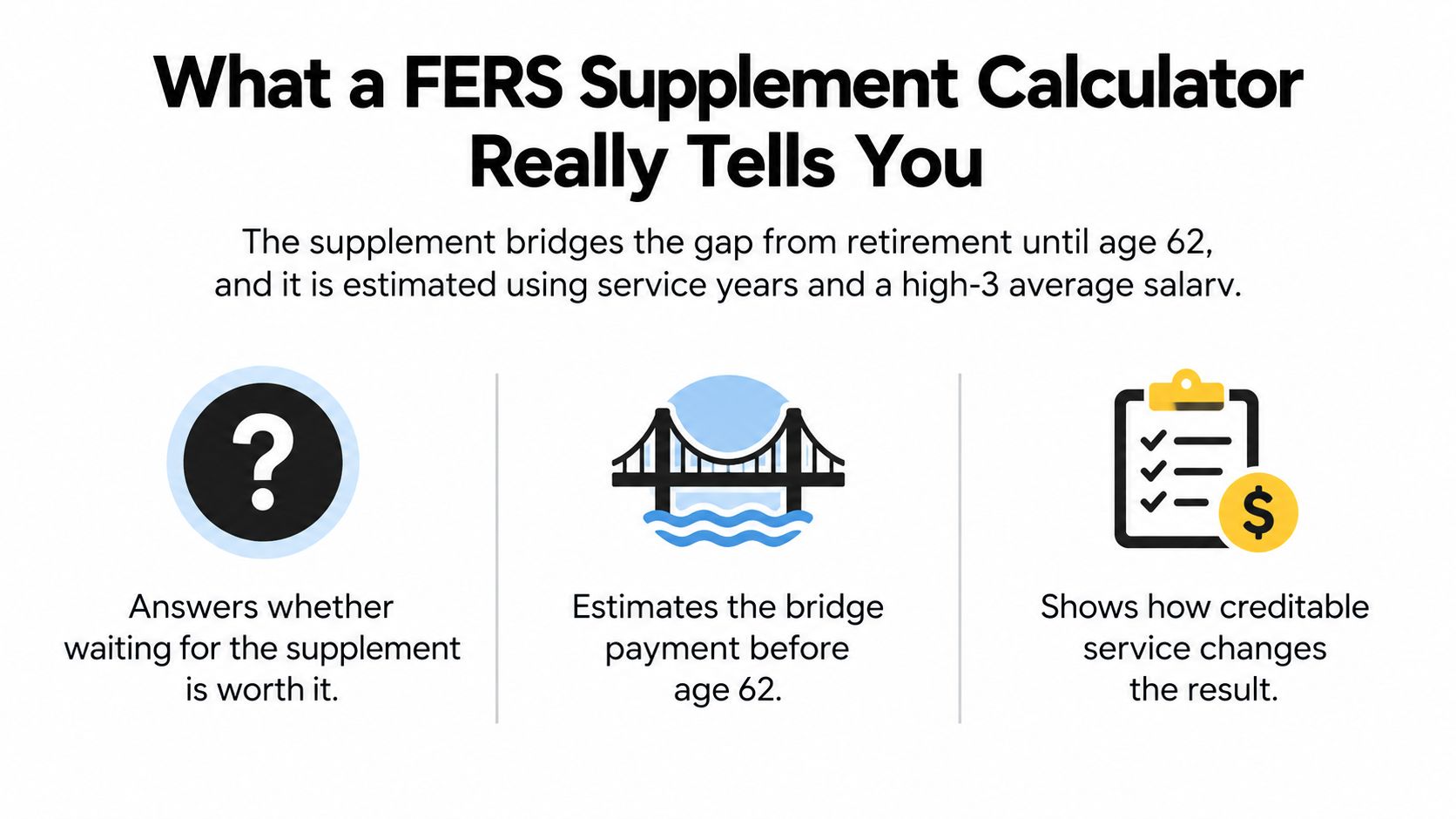
A calculator gives you an estimate, not a promise of a particular payment. It depends on the accuracy of your service record and Social Security estimate, and eligibility rules also matter. OPM's calculation method is the basis a credible calculator should follow, even if the tool's interface makes the calculation look simple.
The supplement commonly applies to employees who retire at their minimum retirement age with at least 30 years of service, at age 60 with at least 20 years, or under qualifying special provisions for law-enforcement and related personnel. Confirm your own retirement category before building your budget around an estimate.
| Income source | Eligibility | Duration | Estimated by calculator? |
|---|---|---|---|
| FERS supplement | Depends on retirement age, service, and applicable retirement rules | Generally until age 62 | Yes, as an estimate |
| Social Security | Based on your Social Security record and claiming choices | Depends on your claiming and benefit circumstances | A calculator may use an age-62 estimate |
| FERS pension | Based on FERS retirement eligibility and your annuity calculation | A retirement benefit, subject to applicable rules | Not from the supplement formula alone |
The Three Inputs a Calculator Actually Needs
A reliable estimate starts with three inputs: retirement age, creditable FERS civilian service years, and an estimated Social Security benefit at age 62. These tell the calculator whether your retirement situation may qualify and how to prorate the estimated benefit.
Service years mean creditable civilian FERS service, not the number of years you've worked in any job. Review your official service history, including whether a deposit or military service credit affects the figure used for retirement purposes. Don't assume that a period counts until you've confirmed how it's treated in your record.
The Social Security estimate matters because the formula starts with a projected benefit, not your federal salary. To get a figure grounded in your own earnings record, review your Social Security information through the Social Security Administration rather than relying on a calculator's default. For more context on how the programs fit together, see this guide to Social Security benefits for federal employees.
Before entering anything: Match the service years to your verified civilian record, use an age-62 Social Security estimate, and enter the retirement age that applies to the scenario you're testing.
Salary alone can't produce a dependable supplement estimate. Your high-3 average salary may matter to your FERS pension, but the supplement estimate is driven by the Social Security projection and the service-years ratio. Gather those three inputs before using a calculator, and keep the source of each figure beside your notes so you can verify the result later.
Step-by-Step Walkthrough of the OPM Formula
The simplified OPM calculation starts with the Social Security benefit estimated for age 62, assumes a full 40-year career for the baseline, and then prorates that estimate by your actual FERS civilian service. In plain language, it asks what share of that projected benefit corresponds to your federal civilian service.
The formula is:
Estimated age-62 Social Security benefit × FERS civilian service years ÷ 40
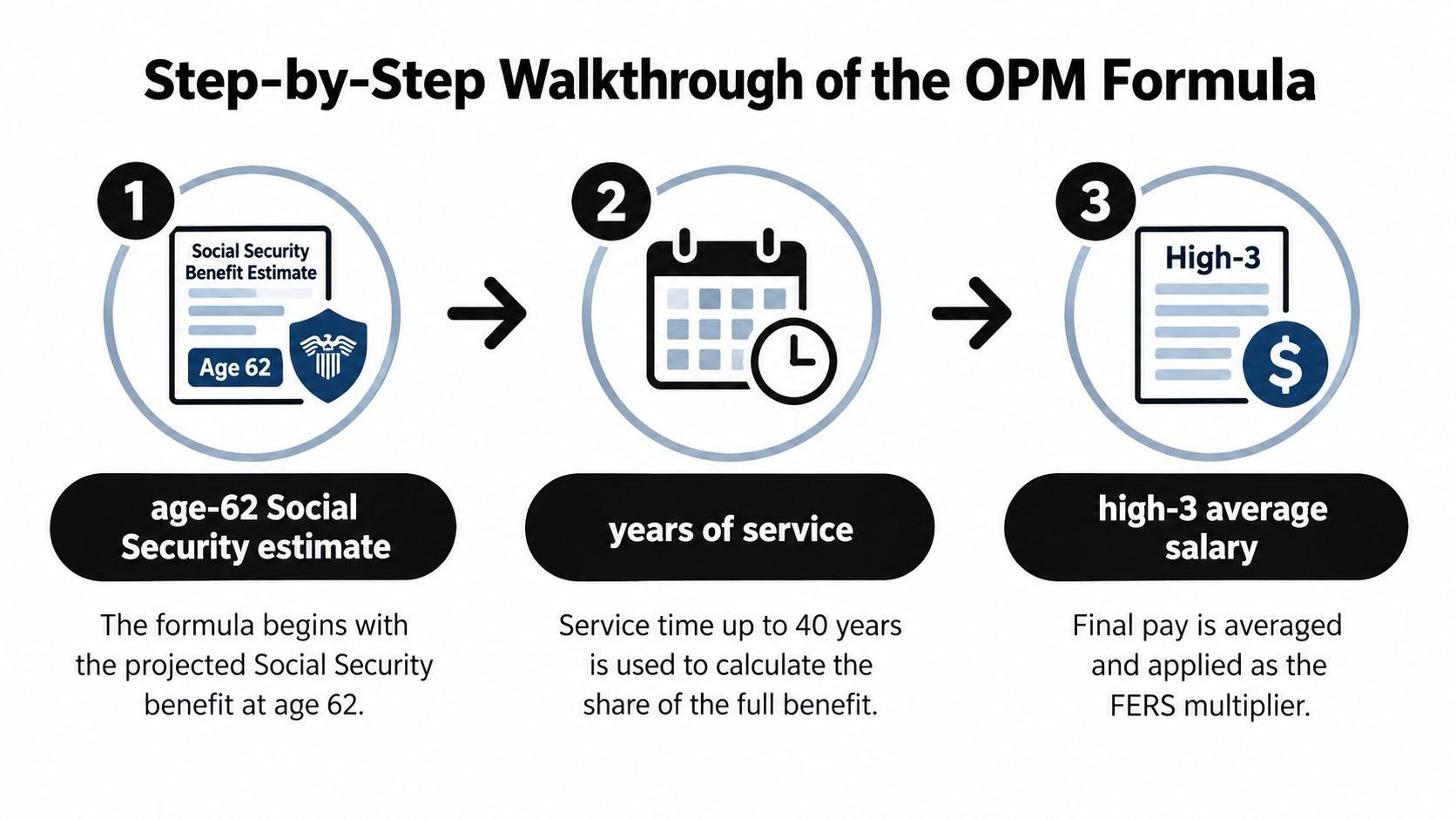
Suppose your Social Security estimate at age 62 is $2,000 per month and you have 20 years of creditable FERS civilian service. Divide the years of service by 40, then multiply by the Social Security estimate: $2,000 × 20 ÷ 40 = about $1,000 per month, before other rules are applied. This is a worked estimate, not a guaranteed payment.
To see how service time changes the result, hold the age-62 Social Security estimate at $2,000 per month and change only the service years:
| FERS civilian years | Preliminary supplement per month | Notes |
|---|---|---|
| 20 | About $1,000 | Example from the simplified formula |
| 25 | About $1,250 | Same Social Security estimate, more service |
| 30 | About $1,500 | Same estimate and method |
| 35 | About $1,750 | Same estimate and method |
The changing numbers show why two employees with the same Social Security estimate can receive different preliminary estimates if their creditable service differs. The table isolates that one variable. Your actual estimate may differ when other eligibility or adjustment rules apply.
A calculator that can't show how the service-years ratio affects its result is giving you a number without enough context. Ask it to display the age-62 estimate, the service figure, and the calculation steps, or calculate the preliminary amount yourself before reviewing any additional adjustments.
Adjustments That Change the Calculator Output
The formula gives you a starting point, but the result may not be the amount payable in your specific case. Retirement eligibility and other applicable rules can affect whether you qualify and how much you receive. Before relying on an online result, check which rules the tool includes and which it leaves for you to verify.
Some proposed calculator explanations mention reductions tied to early retirement or historical employee categories. The verified OPM information provided here does not establish the precise reduction formulas or examples for those adjustments. Don't apply a percentage or assume a specific reduction based on an unverified calculator label.

Instead, compare the calculator's assumptions with the retirement category you're considering. Ask whether it uses your actual retirement age, whether you meet the applicable service requirements, and whether the result is a preliminary formula estimate or a payment estimate that reflects additional rules.
A practical review can stay focused:
- Confirm your retirement category. Check that the tool's assumptions match the type of retirement you expect to take.
- Verify your service figure. Use creditable FERS civilian years rather than an unconfirmed total.
- Check the age-62 estimate. Use a Social Security figure based on your record, not a default.
- Ask about adjustments. If a calculator applies a reduction, request the rule and method it uses before treating the reduced amount as dependable.
This approach keeps the math transparent. If you can't tell why the calculator lowered or changed the preliminary estimate, treat its final figure cautiously and ask a benefits specialist to explain the rule being applied.
Rules a Calculator Cannot Show You
A monthly estimate doesn't tell you how the supplement fits your working plans, your Social Security filing decision, or your household's survivor planning. Those are separate questions to discuss before you treat the calculated amount as spendable income.
| Rule | Effect on the supplement | What to check |
|---|---|---|
| Age 62 endpoint | The supplement generally ends at age 62, even if you delay claiming Social Security | Plan how income will change when the supplement ends |
| Social Security application | The supplement isn't the same as starting Social Security | Confirm Social Security filing steps and timing with the relevant agencies |
| Work after retirement | A calculator's headline result may not show how post-retirement earnings rules affect your payment | Ask how work income is treated under the rules that apply to you |
| Survivor planning | A personal estimate doesn't explain what may happen for a surviving spouse | Review survivor benefits and household income needs separately |
If you're considering another job after leaving federal service, don't assume the calculator has accounted for how earnings could affect the supplement. Ask a benefits specialist to explain the applicable earnings rules for your circumstances before counting on the estimate as fixed monthly income.
Also plan for the transition at age 62. The supplement generally stops then, but Social Security doesn't automatically begin just because the supplement ends. Your claiming choice and application are separate decisions. For help sorting through timing and eligibility, consult this FERS retirement eligibility guide.
Where Calculators Tend to Be Wrong
A calculator can perform the formula correctly and still produce a misleading estimate if its inputs or assumptions don't fit your record. Check what the tool uses before treating its output as a planning figure.
Common trouble spots include:
- Unconfirmed service years. If the calculator accepts a number you typed, it can't tell whether every year is creditable FERS civilian service. Compare the entry with your verified service record.
- A mismatched Social Security estimate. A generic default may not reflect your earnings history or your age-62 projection. Use an estimate based on your own record.
- An overlooked retirement-age rule. A basic formula result doesn't prove that your retirement category qualifies. Confirm your age, service, and retirement type against OPM's rules.
- Salary treated as the driver. A tool that makes high-3 salary appear to determine the supplement may be mixing the supplement estimate with a separate pension calculation. Check whether it shows the Social Security estimate and service-years ratio.
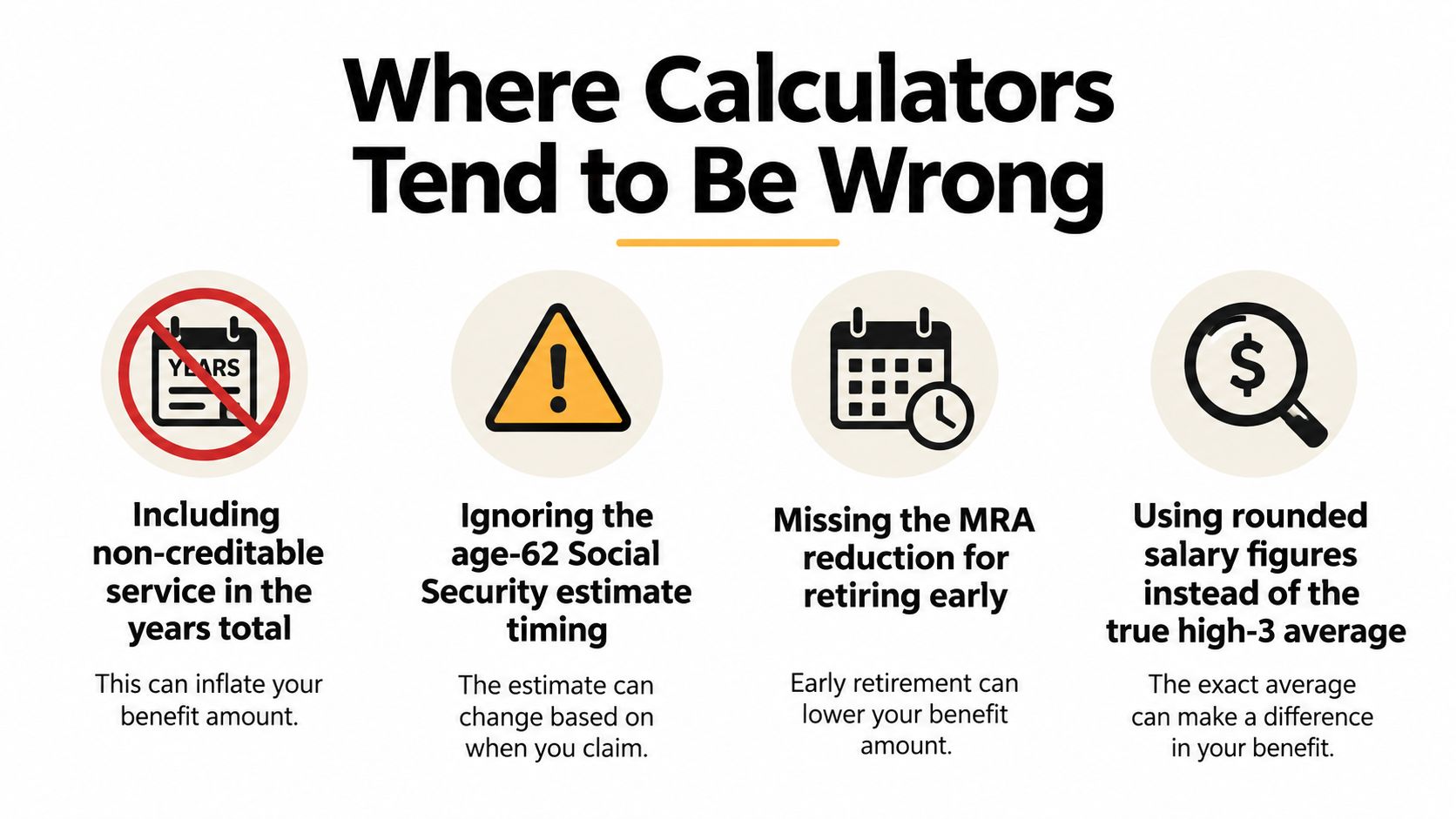
The strongest sanity check is to reproduce the preliminary calculation with your own age-62 estimate and verified service years. Then compare that result with the calculator's output and ask what explains any difference. If the tool doesn't identify its assumptions, it can't give you the context you need to judge whether the estimate is useful.
Turning the Estimate into a Retirement Plan
Treat the supplement estimate as one line in a monthly-income plan, not as your retirement answer. Put it beside your projected FERS pension, your TSP withdrawal plan, and the Social Security benefit you may claim separately. Then consider how the household budget changes when the supplement ends.
A benefits specialist can help confirm your service record, retirement category, and assumptions before you make a decision based on the estimate. You can also organize your broader income picture with this guide to calculating retirement income needs for federal employees.
Take your age-62 Social Security estimate, verified FERS civilian service, and expected retirement age to a benefits review, then ask the specialist to show how each input changes the result. That gives you a clear next step: compare the estimate with your full retirement-income plan before settling on a retirement date.
Federal Benefits Sherpa offers personalized retirement planning, gap analysis reports, and a free 15-minute benefit review for federal employees. If you want help checking how the supplement fits your projected retirement income, visit Federal Benefits Sherpa to explore your options.
